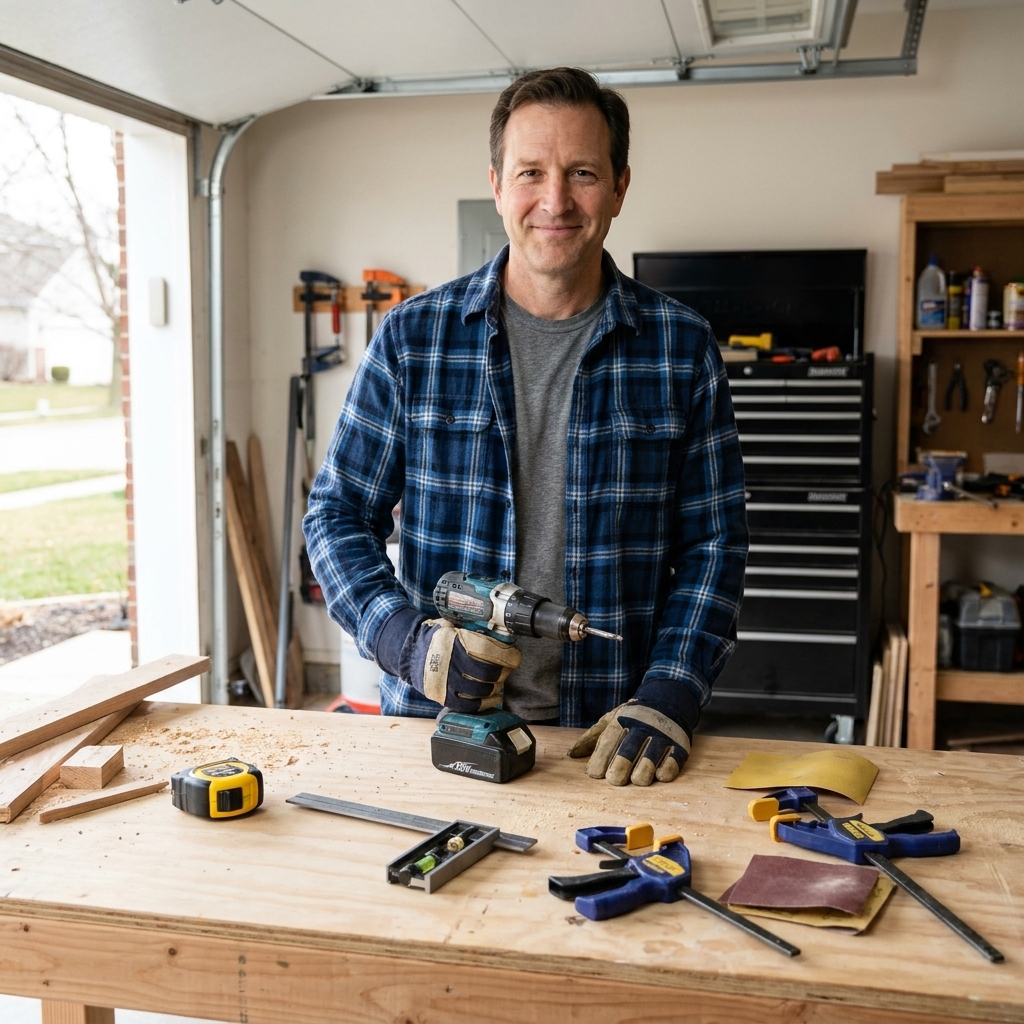
If you have ever driven a long screw into wood and felt your drill twist your wrist like it is trying to escape, you have already met the core difference between a drill and an impact driver. They can both spin a bit, but they do it in very different ways, and that affects everything from how clean your holes are to how many stripped screw heads you end up with.
Let’s break it down in plain language so you know exactly which tool to grab for each step of a woodworking project.
The quick difference
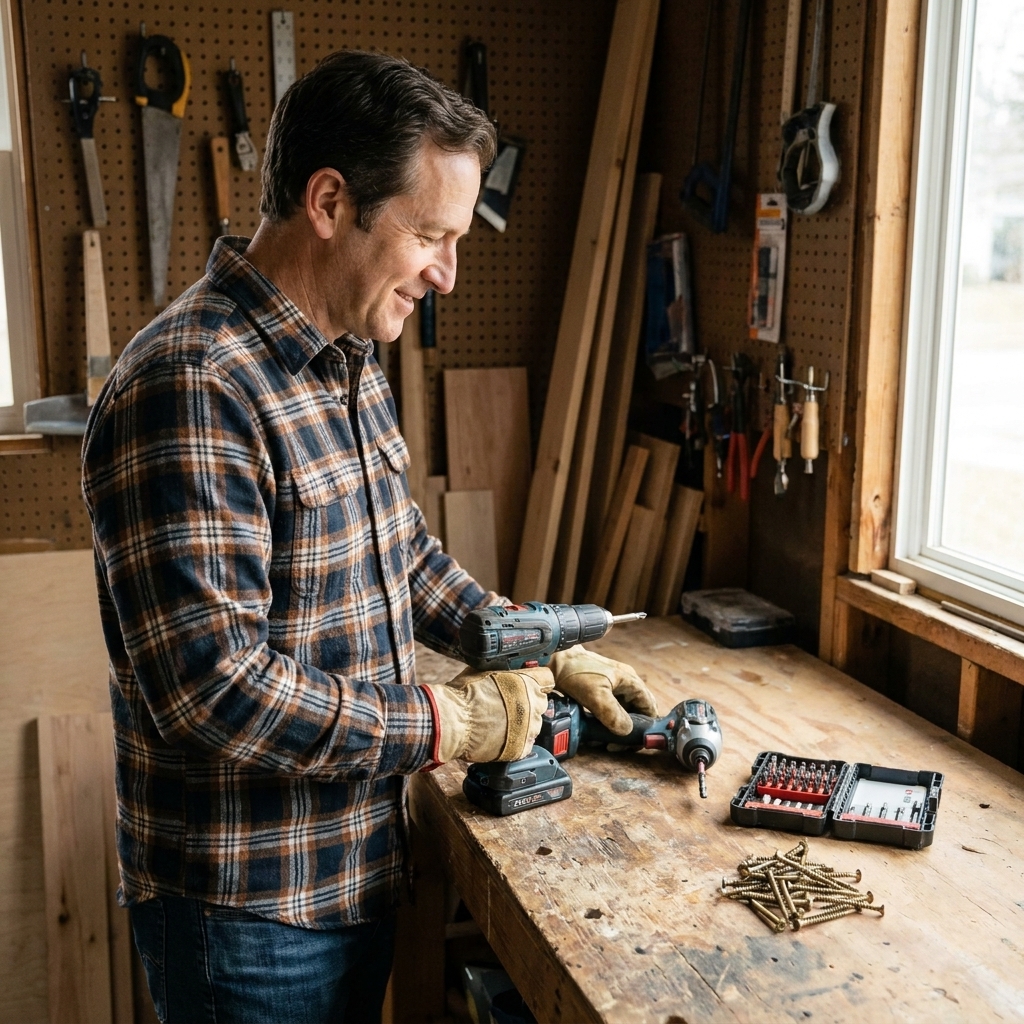
A power drill is built for controlled spinning and drilling holes, while an impact driver is built for driving fasteners with bursts of twisting force that usually fight back less against your wrist.
That is the headline. Now let’s talk about what is happening inside the tool.
One quick terminology note
When most people say “drill,” they mean a cordless drill/driver, the common all-purpose tool with a chuck, two speeds, and a clutch. That is what I am talking about here.
How a drill works
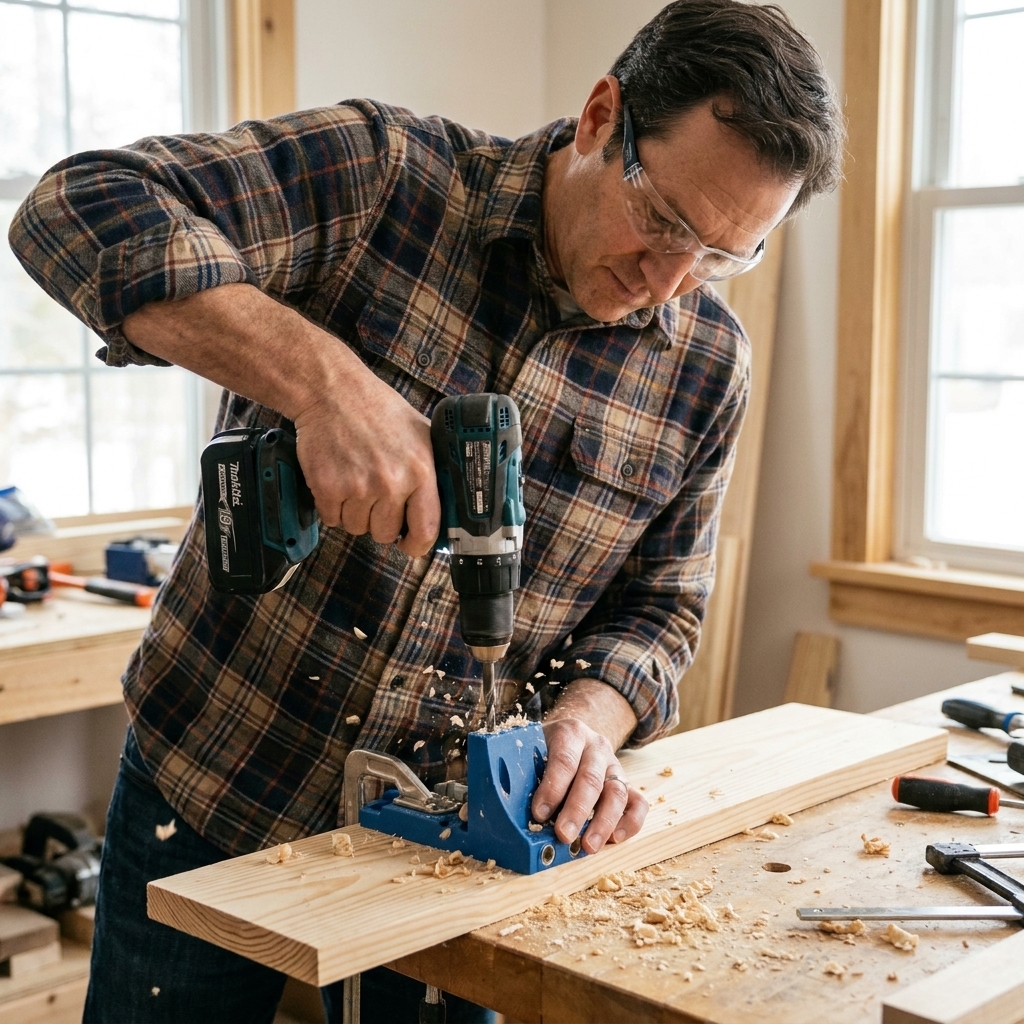
A standard cordless drill is basically a motor that turns a chuck. You can clamp almost anything with a round shank in that chuck, which is why drills are so versatile for woodworking.
What makes a drill a drill
- Adjustable clutch: That numbered ring behind the chuck lets you set how much torque the drill will apply before it slips. This is gold for beginners because it helps prevent overdriving screws and blowing out the surface of your wood.
- Two-speed gearbox (usually): Low speed for higher torque driving and bigger bits. High speed for smaller-diameter bits and fast drilling. Clean holes depend more on bit type and sharpness, feed pressure, and backing up the work to prevent tear-out. Bigger bits and hole saws generally want slower RPM.
- Steady rotation: A drill applies torque smoothly and continuously. When it meets resistance, it tends to stall or twist in your hand.
When a drill shines in the shop
- Drilling holes with twist bits, brad-point bits, Forstner bits, spade bits
- Using hole saws
- Driving screws when you want controlled depth (especially into softwoods)
- Running specialty tools like sanding drums, wire wheels, small mixing paddles (light duty)
How an impact driver works
An impact driver is still spinning a bit, but when it meets resistance it switches into a hammering action. Not forward hammering like a hammer drill into masonry, but rotational hammering.
The key idea: rotational impacts
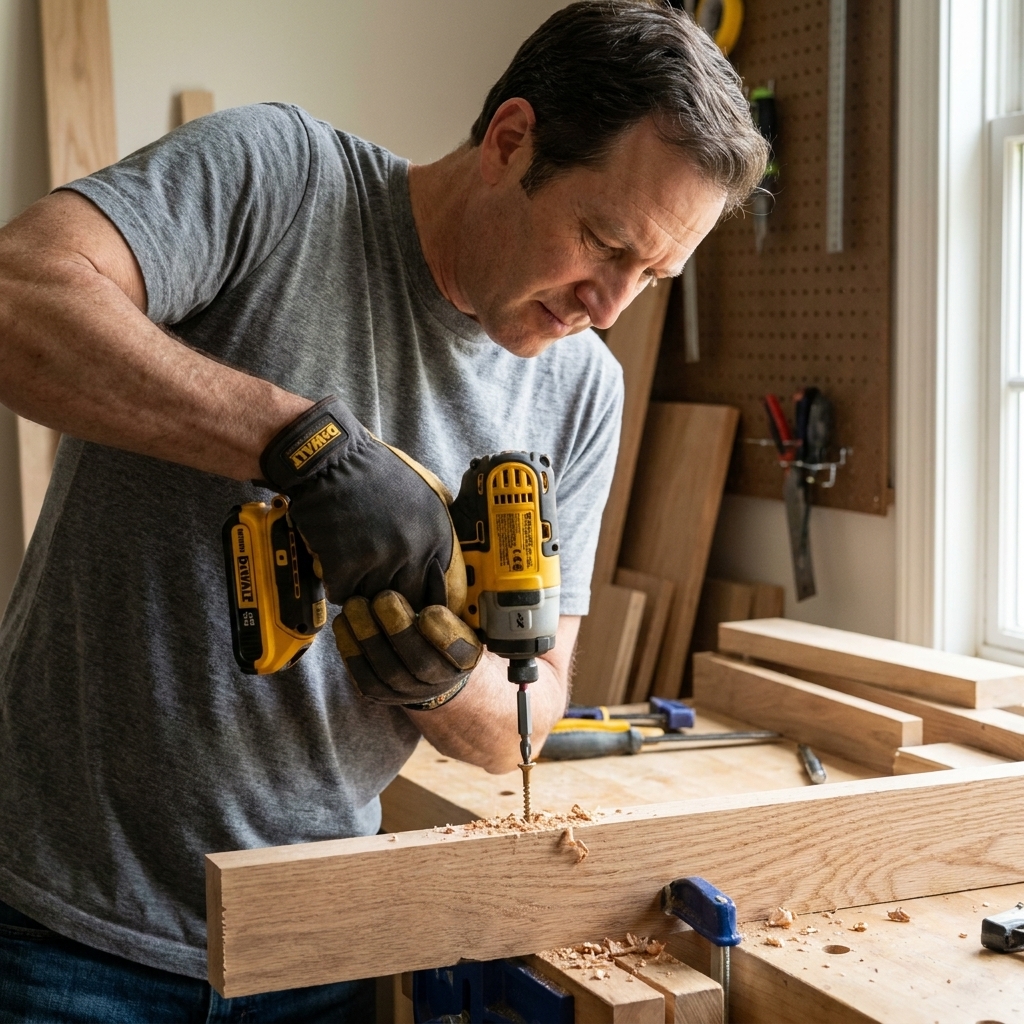
Inside an impact driver is a spring-loaded hammer and anvil setup. As the tool meets resistance, the mechanism repeatedly loads up and releases, delivering quick bursts of torque. Think of it like a tiny internal hammer tapping the rotation forward over and over.
That is why an impact driver:
- Drives long screws more easily than a drill
- Is less likely to stall when a screw gets tough
- Usually transfers less continuous twist to your wrist, because the impacts do the work in pulses (even though the tool can still kick when a fastener binds)
The impact driver feel beginners notice
- It is loud when impacting
- It can feel like it is “machine-gunning” the screw home
- It is easier to keep pushing forward without the tool bogging down
Bit holding: 1/4-inch hex collet
Most impact drivers use a quick-change 1/4-inch hex collet, not a 3-jaw chuck. That makes swapping driver bits fast, but it also means you generally use hex-shank bits (or an adapter).
Tip: Use impact-rated driver bits and accessories with an impact driver. Regular bits can work, but impact-rated ones hold up better to the hammering and are less likely to shatter or round over.
Impact driver vs. drill
Here is the beginner-friendly rule I use in my own shop.
Use a drill for holes and finesse
- Drilling pilot holes: More controlled hole-making with less tendency to skate around, especially with the right bit (brad-point) and good technique.
- Drilling larger holes: Forstner bits and hole saws prefer steady rotation and appropriate speed.
- Hardware installs that need delicacy: Hinges, drawer slides, knobs and pulls. The clutch helps you stop right on time.
- Any time you worry about stripping: Especially with brass screws or small Phillips heads.
Use an impact driver for fasteners and muscle
- Driving long screws: Think 2-1/2 in. to 4 in. construction screws, ledger screws, pocket-hole screws in dense wood.
- Assembly work: Building shop furniture, workbenches, outdoor projects, deck boards, framing-style builds.
- When the screw wants to cam out: The impacts can help keep the bit engaged, especially with good bits and Torx or square-drive screws. (Cam-out is when the bit slips out of the head and chews it up.)
Common woodworking examples
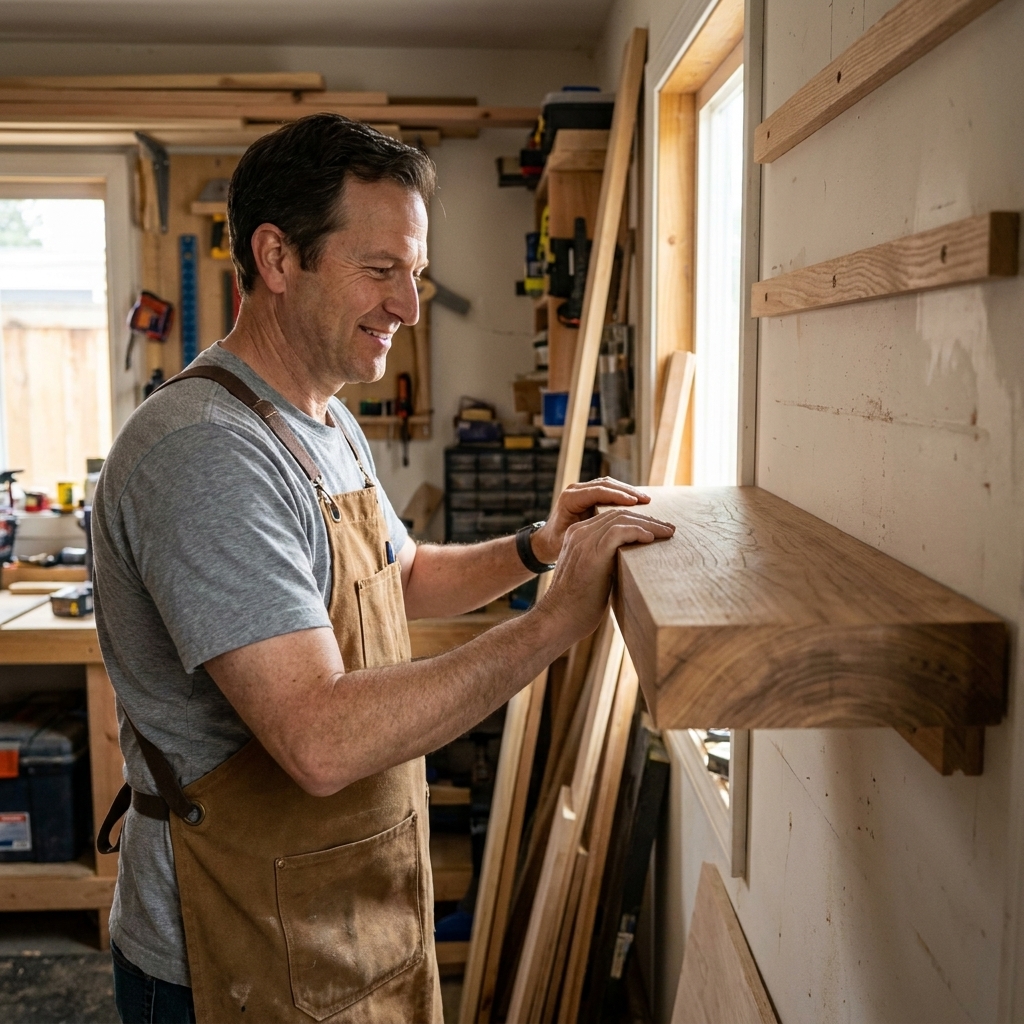
- Building a simple shelf: Drill for pilot holes and countersinks, impact driver to run the screws home.
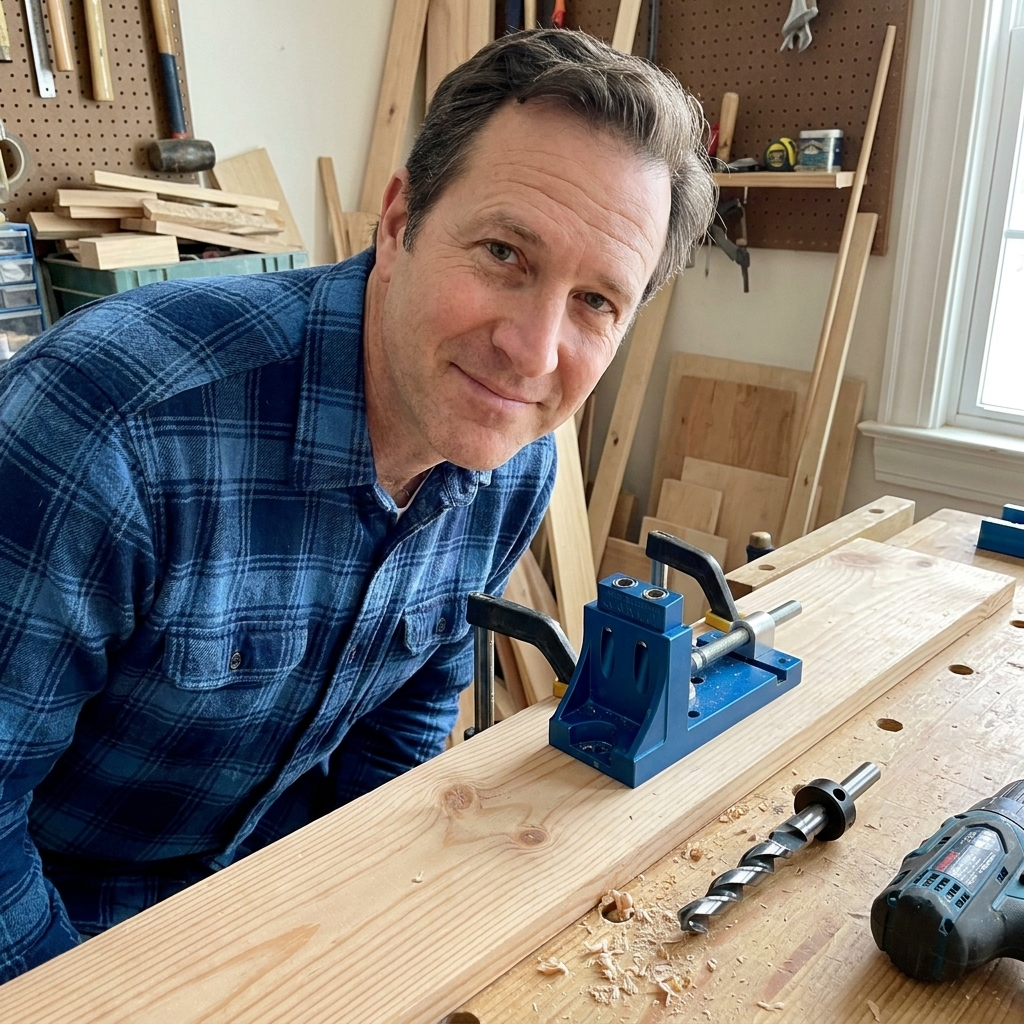
- Pocket-hole joinery: Drill to make the pocket holes, impact driver to drive pocket-hole screws.
- Installing a hinge on a cabinet door: Drill with the clutch turned down, and stop as soon as the hinge is snug.
Size and handling
One practical difference you will feel right away is shape and balance. Impact drivers are often more compact front-to-back, which helps in tight spots. Drills can be a bit longer because of the chuck, but they are more versatile because they hold almost any round-shank bit.
What about a hammer drill?
A hammer drill is basically a drill with an optional forward hammering mode meant for masonry. That hammering is straight into the material, not rotational impacts for screws.
For woodworking, you normally use a hammer drill in regular drill mode. The hammer mode is not doing you any favors in wood, and it can make holes rougher.
Do you really need both?
You can absolutely start with just a drill. If I could only own one tool for beginner woodworking, it would be a cordless drill/driver with a clutch. You can drill holes all day, and you can drive screws as long as you pre-drill and take your time.
Add an impact driver when:
- You build with screws often (shop projects, outdoor builds, basic furniture)
- You are tired of drills stalling on long screws
- You want faster assembly and less wrist strain
Many folks buy them as a combo kit for a reason. Having a drill set up with a pilot bit and an impact driver set up with a driver bit speeds up projects immediately because you are not swapping bits constantly.
Beginner tips that prevent headaches
1) Pre-drill more than you think you need to
Even if you have an impact driver, pilot holes help prevent splitting and make your assemblies tighter and cleaner. This matters a lot near the end of boards and in hardwoods.
2) Use the right screw drive type
If you can choose, grab Torx (star) or square-drive screws for woodworking. Phillips is famous for cam-out, which is when the bit slips and chews up the head.
3) Slow down for the last turns
Whether you are using a drill or an impact driver, the last bit of tightening is where wood gets crushed and screw heads get buried. Ease off the trigger, and for visible hardware, do the final snugging by hand.
4) Match the bit quality to the job
A cheap, rounded driver bit will slip no matter what tool you use. A good bit is one of the best small upgrades you can make.
5) Watch out for stripped heads and snapped screws
If the screw gets hot, squeaks, or stops making progress, back it out. Add wax or soap to the threads, enlarge the pilot hole slightly, or switch to a better screw. An impact driver can snap smaller screws if you force it.
6) Protect your ears
Impact drivers are loud when they start impacting. Hearing protection is a smart habit, especially if you are driving a lot of fasteners.
FAQ
Can an impact driver drill holes?
Yes, with hex-shank drill bits. For small holes it works fine, especially in softwood. For cleaner, more accurate holes, a standard drill is the better choice.
Will an impact driver strip screws less than a drill?
Often yes, because the impacts can help keep the bit seated, especially with Torx or square-drive screws. But an impact driver can still strip heads fast if the bit is worn, the bit is not fully seated, or you are not lined up straight.
Is an impact driver too powerful for furniture?
It can be if you treat it like a framing tool. For furniture and cabinetry, it is great for driving screws quickly, but use pilot holes, slow down for the last turns, and consider finishing by hand when it really matters.
Which is better for pocket-hole screws?
An impact driver is excellent for pocket-hole assembly. Just keep pressure straight in line with the screw, and ease up when the joint pulls tight so you do not over-tighten and strip the pocket.
My simple workflow
If you want an easy, beginner-friendly routine, here is what I recommend:
- Drill: Make pilot holes and countersinks (or pocket holes) with your drill.
- Clamp: Clamp parts so they cannot shift.
- Impact driver: Drive screws until they are snug.
- Finish: Ease off for the last turns, and if the screw head will be visible, finish the final snug by hand for perfect control.
That setup is simple, fast, and it keeps you out of trouble as you build confidence.